Before you start
- Your IPTV UK Fast login — emailed after you choose a plan or request a free trial.
- A stable connection of at least 10 Mbps for HD or 25 Mbps for 4K. Not sure? Read what broadband speed you need for IPTV.
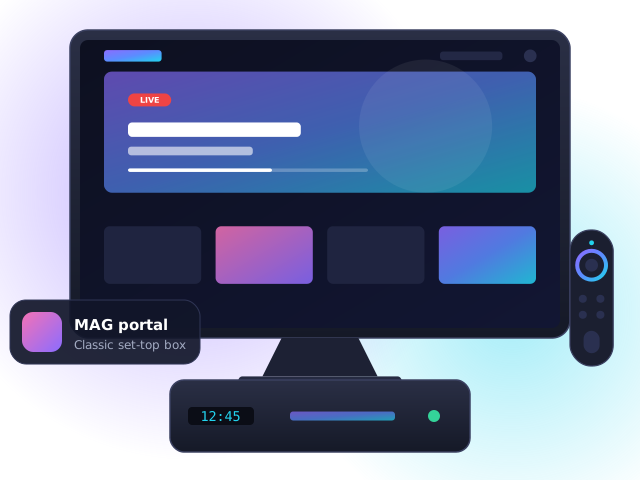
- A MAG or Formuler box connected to your TV by HDMI and to your router — Ethernet is strongly recommended.
Step 1: Send us your MAC address
The MAC address is printed on a sticker under the box and starts with 00:1A:79. Email it to us when you order or request a trial — we link it to your account and send back your portal URL.
Step 2: Add the portal
- Power on the box. When it loads, press Settings on the remote (or SET).
- Go to System settings → Servers → Portals.
- Set Portal 1 name to “IPTV UK Fast” and Portal 1 URL to the address we emailed you.
- Press OK to save, go back and choose Restart portal. Your channels will load.
Set the correct time zone under System settings → Time zone → Europe/London so the TV guide and catch-up line up with UK broadcast times.
Formuler boxes
- Open the MyTVOnline app and go to Add portal.
- Enter a nickname and the portal URL we sent, then press Connect.
- The Formuler MAC address (on the app’s first screen) must be sent to us before connecting.
Troubleshooting
- “Invalid login” error — check for spaces at the start or end of your username and password; they are case-sensitive.
- Channels load but freeze — restart the device and router, then switch to a wired connection or 5 GHz Wi-Fi. Our guide to fixing IPTV buffering walks through all eight fixes.
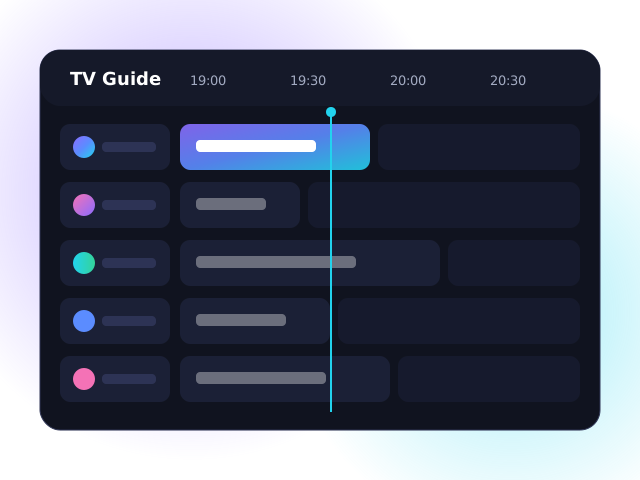
- TV guide is empty — open the app settings and choose “Update EPG”, then wait a minute for the guide to download.
- Still stuck? Contact our support team — we can guide you step by step.
MAG box IPTV FAQ
Which MAG box should I buy?
The MAG 524 and MAG 424 support 4K and HEVC and are the best current choices. The older MAG 322 is fine for HD.
What does “STB blocked” or “Portal not found” mean?
Usually that your MAC address has not been activated yet or the portal URL contains a typo. Double-check and contact us if it continues.
Can I move my subscription from a MAG box to a Firestick?
Yes. Ask us to switch your account to an app login and follow the Firestick guide.