Why does IPTV buffer?
Buffering happens when your device can’t download the stream as fast as it plays. The cause is almost always one of four things: weak Wi-Fi, a busy or underpowered device, broadband congestion or, less often, the provider’s server.
The 8 fixes, in order
- Restart everything. Unplug your router and streaming device for 60 seconds. It clears memory leaks and renews your connection.
- Switch to a wired connection. Ethernet or powerline adapters remove Wi-Fi interference entirely. On a Firestick, Amazon’s Ethernet adapter costs around £15.
- Use 5 GHz Wi-Fi. If you must use Wi-Fi, connect to the 5 GHz band and keep the router in the open, ideally in the same room.
- Clear the app cache. On Fire TV and Android: Settings → Applications → [player] → Clear cache. Do this monthly.
- Close background apps. Streaming sticks have limited memory. Force-stop apps you are not using.
- Change the stream format or buffer size. In your player settings try switching between HLS and MPEG-TS, and increase the buffer to “Large”.
- Change your DNS. Set your device or router to a fast public DNS such as 1.1.1.1 or 8.8.8.8 — this can speed up channel loading.
- Try a VPN at peak times. If buffering only happens in the evening, your ISP may be managing video traffic. A UK VPN server can bypass this.
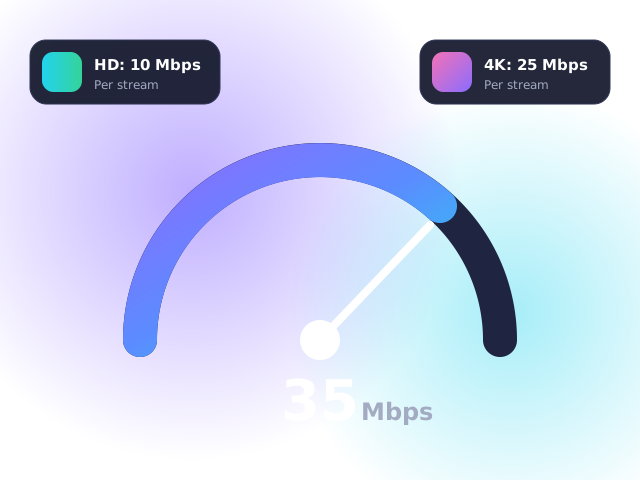
Run a speed test on the TV device itself after each change. You need at least 10 Mbps for HD and 25 Mbps for 4K — see our full speed guide.
Device-specific tips
Amazon Firestick
Turn off Data monitoring and App usage data under Settings → Preferences → Privacy. Older sticks struggle with 4K — consider the 4K Max. Full steps in our Firestick guide.
Samsung & LG Smart TVs
TV Wi-Fi is often weak; Ethernet makes a huge difference. Also turn off energy-saving modes that throttle the network chip. See our Smart TV guide.
Android boxes
Set the player decoder to hardware and disable “Stay awake” apps running in the background. More in our Android guide.
MAG boxes
Always use Ethernet and set the buffer to 3–5 seconds under System settings → Playback. See the MAG setup guide.
When to contact support
If only one channel buffers while others play perfectly, the issue is on our side — let us know and we will switch you to a backup source. If everything buffers after the eight fixes, send us your device, broadband provider and a speed test result and we will help you diagnose it.
Frequently asked questions
Why does IPTV buffer only in the evening?
Between 7pm and 11pm UK broadband networks are busiest, and some providers manage video traffic. Using Ethernet and, if needed, a VPN usually resolves it.
Will a faster Firestick stop buffering?
Often, yes. The Fire TV Stick 4K Max has a much faster processor and Wi-Fi than older models.
Does clearing the cache delete my login?
Clearing the cache does not. Clearing the app’s data does, so you would need to sign in again.