IPTV in one sentence
IPTV (Internet Protocol Television) is television delivered over your internet connection rather than through an aerial, satellite dish or cable network. Instead of receiving a broadcast signal, your device requests a stream from a server and plays it — the same basic technology behind the catch-up and video apps you already use, but organised into live channels with a TV guide.
If you have ever watched live TV on a phone app, you have already used a form of IPTV.
How IPTV works
Traditional TV sends every channel to every home at once. IPTV is different: it only sends the channel you are watching, when you ask for it. That makes it far more flexible.
- The provider encodes channels and on-demand content into digital streams and hosts them on servers.
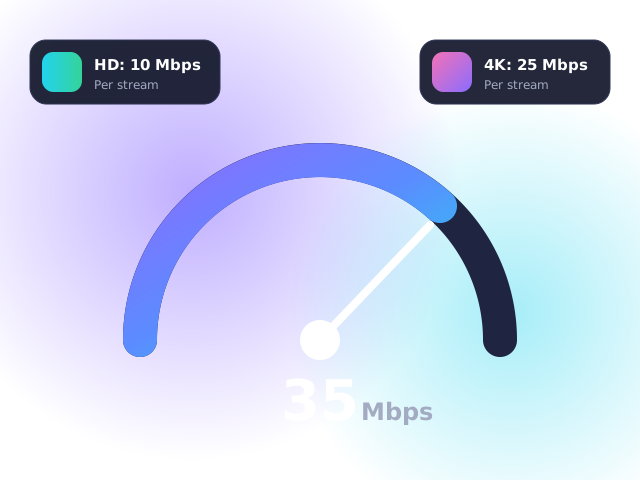
- Your broadband carries the stream from the server to your home. In the UK, a fibre connection of 10 Mbps or more is plenty for HD.
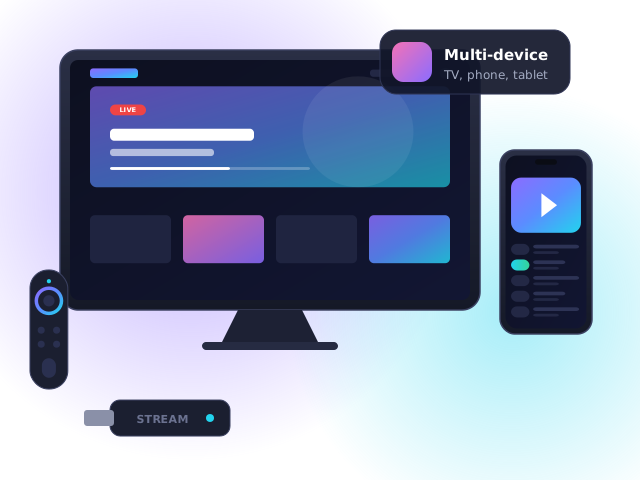
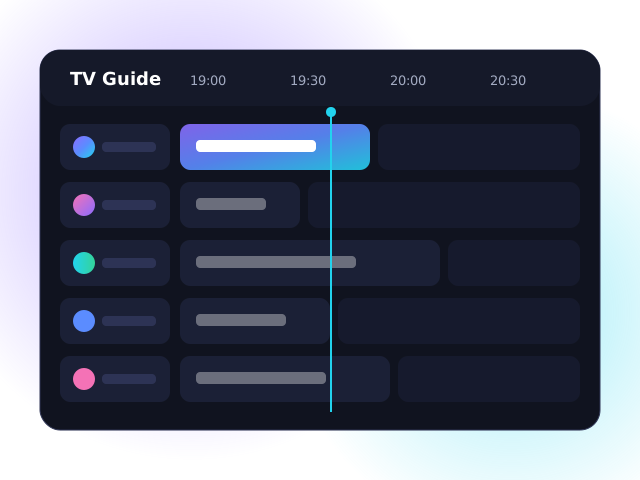
- A player app on your TV, Firestick or phone decodes the stream and displays it, along with a programme guide.
Live TV, catch-up and video on demand
Most IPTV services combine three types of content:
- Live TV — channels streamed in real time, exactly as broadcast.
- Catch-up (time-shift) — rewind and watch programmes that aired over the past few days.
- Video on demand (VOD) — a library of films and series you can start whenever you like.
Our channel line-up page shows how these are organised in IPTV UK Fast.
IPTV vs traditional TV
| IPTV | Freeview (aerial) | Satellite / cable | |
|---|---|---|---|
| Needs | Broadband | Aerial | Dish or cable line |
| Installation | None — app only | Aerial fitting | Engineer visit |
| Watch on phone | Yes | No | Sometimes |
| Contract | Often none | None | Usually 18–24 months |
For a deeper comparison, read IPTV vs Freeview vs cable.
What you need to watch IPTV
- Broadband — 10 Mbps for HD, 25 Mbps for 4K. See our speed guide.
- A compatible device — Fire TV Stick, Smart TV, Android box, Apple TV, phone or MAG box. Our setup guides cover them all.
- A subscription from a reputable provider.
- A TV Licence if you watch live TV in the UK — the rules are the same however you receive it.
How to choose a UK IPTV provider
Not all services are equal. Before paying, check that a provider:
- Offers a free trial so you can test quality on your own connection.
- Has clear prices in pounds, a written refund policy and no long contracts.
- Provides real support during UK hours.
- Is open about the legal position — see is IPTV legal in the UK?
Frequently asked questions
Is IPTV the same as streaming?
IPTV is a type of streaming focused on live TV channels with a programme guide, while subscription video services are purely on demand. Many IPTV services include both.
Does IPTV use a lot of data?
Roughly 1.5–3 GB per hour in HD and around 7 GB per hour in 4K. Most UK home broadband packages are unlimited.
Can IPTV replace my satellite or cable box?
For many households, yes — IPTV can provide live channels, catch-up and on-demand content without a dish, engineer or long contract.