Before you start
- Your IPTV UK Fast login — emailed after you choose a plan or request a free trial.
- A stable connection of at least 10 Mbps for HD or 25 Mbps for 4K. Not sure? Read what broadband speed you need for IPTV.
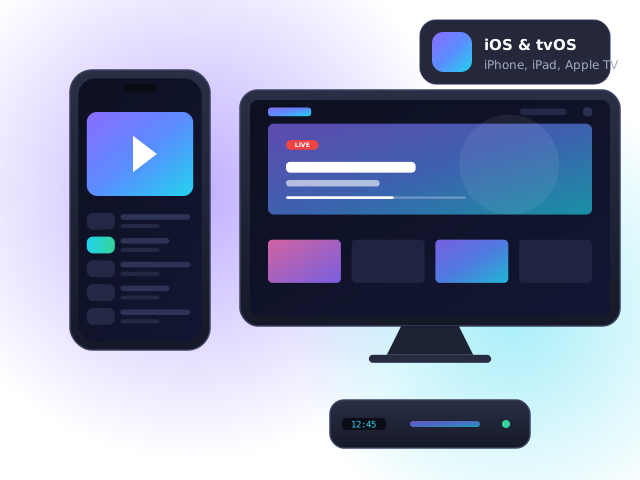
- An Apple device running iOS/iPadOS 16+ or tvOS 16+, signed in with your Apple ID.
Apple TV 4K
- Open the App Store on Apple TV and search for the player recommended in your welcome email.
- Download the app (some charge a small one-off fee for premium features).
- Open it, choose Add playlist → Xtream Codes and enter your login details. Use the Apple TV Remote app on your iPhone to type faster.
- Enable Match Dynamic Range and Match Frame Rate under Settings → Video and Audio for the best picture.
iPhone & iPad
- Install the same player from the App Store.
- Sign in with your details. Many apps sync favourites via iCloud between your devices.
- Use AirPlay to send what you are watching to an Apple TV or AirPlay-compatible Smart TV.
Mac
Most iPad player apps also run on Apple-silicon Macs via the Mac App Store. Alternatively, ask our team for a recommended desktop player.
Troubleshooting
- “Invalid login” error — check for spaces at the start or end of your username and password; they are case-sensitive.
- Channels load but freeze — restart the device and router, then switch to a wired connection or 5 GHz Wi-Fi. Our guide to fixing IPTV buffering walks through all eight fixes.
- TV guide is empty — open the app settings and choose “Update EPG”, then wait a minute for the guide to download.
- Still stuck? Contact our support team — we can guide you step by step.
Apple IPTV FAQ
Is Apple TV good for IPTV?
Yes — Apple TV 4K is one of the smoothest IPTV devices available, with excellent Wi-Fi, fast channel switching and long software support.
Why did my IPTV app disappear from the App Store?
Apple occasionally removes player apps. Apps already installed usually keep working; contact us and we will suggest a current alternative.
Can I download shows to watch offline on iPhone?
Live TV cannot be downloaded. Some players allow on-demand titles to be cached temporarily, depending on the app.